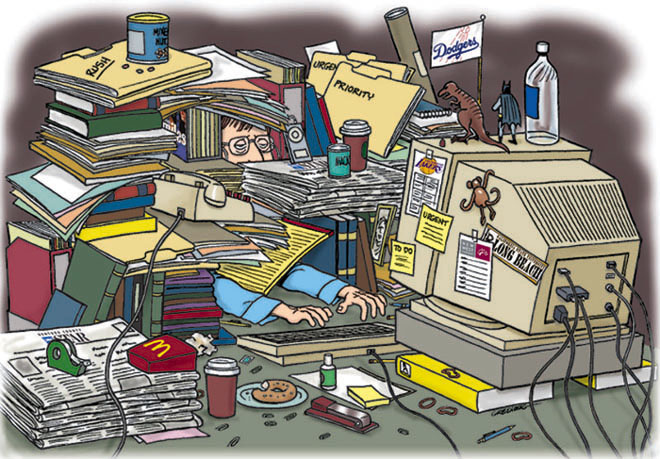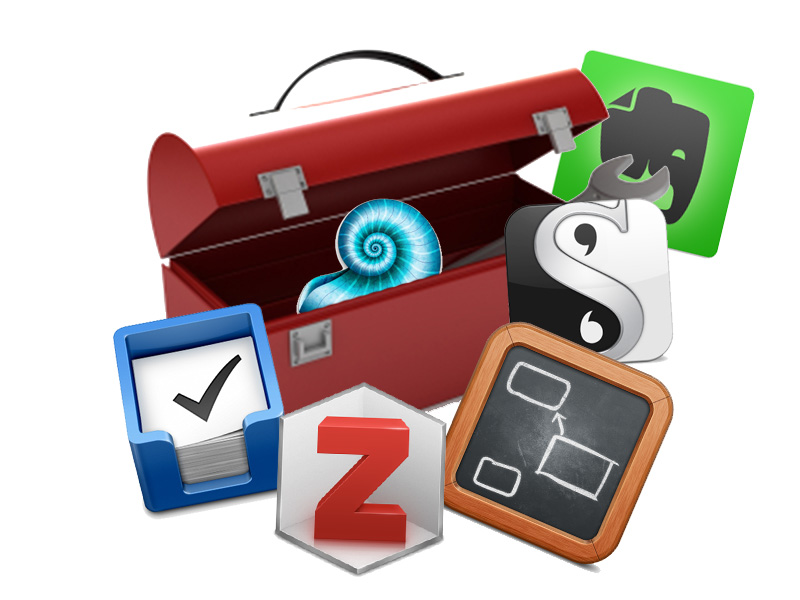
When working, or studying, or for that matter going about daily life there are a multitude of skills and disciplines that will help us be better at whatever we are doing. Some of those skills and disciplines I will look at in the Wednesday and Friday sessions. But in addition to these skills and disciplines there are a whole host of software tools that can make the tasks at hand easier, more productive, less painful, and assist us overall. However, there are two caveats with any toolset.
Firstly, they are only tools, they do not replace the tasks that are at hand, or the skills and discipline needed to complete the task at hand. One common trap I have seen many students and colleagues fall into is assuming that because they are using the right tools that the task will become self-completing, or that they can use less effort for the same results. Using the right tools will make your life easier, but they wont do your work for you. Just because you have a Phillips screwdriver rather than a hammer to undo the screw, doesn’t mean that the screw will automatically undo.
Secondly, there are a lot of tools out there. In putting together this series I have experimented with some tools outside of my normal toolkit, or tried to find free, cheaper or better alternatives. But commonly this can lead to tool paralysis, where we wonder whether Tool A is right for the job, or whether we would be better served with Tool X, Y, Z and the rest of the alphabet. The truth be told there is no one perfect tool for any job, each has their own quirks and idiosyncrasies, and it is up to the user to decide whether the tool at hand fulfils their requirements accurately. On the flip side there is something to be said for maintaining a relatively stable toolkit, as chopping and changing regularly tends to waste time with the learning curve of the new tool. The toolkit I work with, that I will showcase in this series, has has several tweaks and minor changes, but hasn’t had any major upheavals for several years now. It is stable, and the oddities I have either embraced or learned to work around.
This Monday series will document my toolkit that I use for my research, synthesis and output in my academic life. In various incarnations this toolkit has served me well through the last ten years of academic research after I finished my undergrads. Some of the software has changed, and certainly the proportion of digital work has increased with new technology, but the overall process has remained relatively stable. While ten years ago I worked mostly in paper, I have transitioned to being predominantly digital in workflow over the last five years. This certainly helps with being able to search and access data easily, and assists in the synthesis and output process.
Overall my workflow looks something like this:
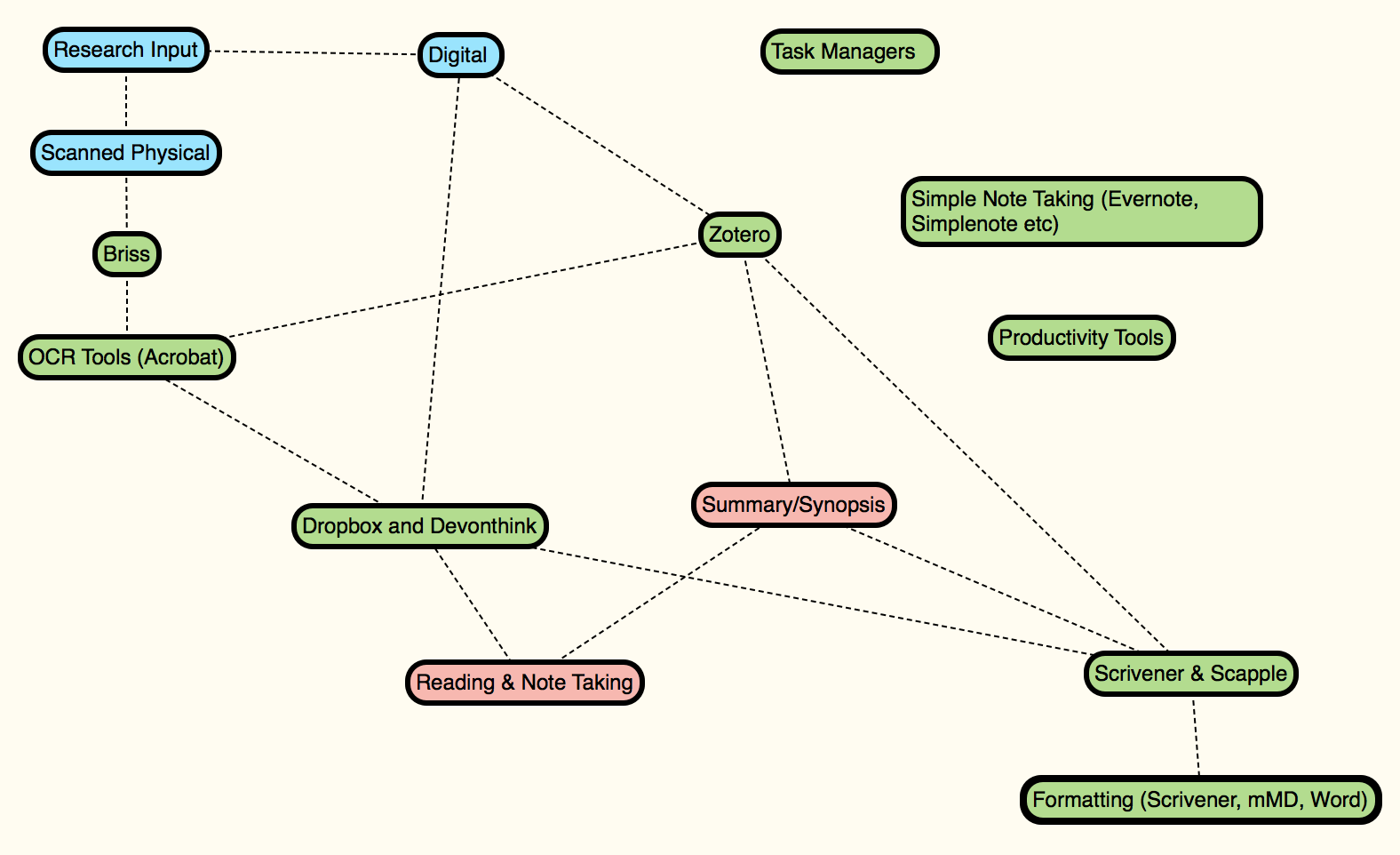
(Click for a bigger view)
Roughly speaking I take input either already digital or physical, digitise the physical media, manipulate it so that it is consistent with Briss and OCR (Acrobat) tools, and then add it to my library (Zotero and Devonthink). From there I maintain my library and process the material through reading, note taking and writing synthesised summaries. On the output side I use a mindmapping tool (Scapple) and a word processor (Scrivener) to synthesise my ideas into their final forms.
Alongside this process sits a bunch of task management tools, note taking apps, and productivity tools that assist me in getting my work done. I will come to each of those in turn.
The next six blog posts will cover this entire process in more detail, and will roughly follow the workflow. The six posts will be on:
- Task Managers & Focusing (Tools for Getting Things Done)
- Briss & Acrobat (Wrangling Digital Files)
- Zotero (Citation and Library Management)
- Dropbox and Devonthink (Storing and Accessing Digital Media)
- Note Taking Tools
- Synthesis Tools (Scrivener and Scapple)
I’m looking forward to this series, partly because I’m keen to help others be able to organise their research and writing better, but also because it helps me review my own toolkit and see whether anything needs further tweaking. I would love to hear your thoughts on the process I have outlined, and what tools you use. Comment here or on Facebook.