Style or substance, which one is more important?
While our last Friday post dealt with the process of writing—how to stimulate those word juices flowing in your head—this post looks at the style of those words. Now style is a very personal thing, and it is entirely likely that your style will change based on what you are writing. For example this chatty style that is suitable for a blog post would be terribly inappropriate in an academic paper. However, there are still some aspects of style that have broader applications, and these should be examined.
Aspects of style have already popped up a couple of times in the various comments on this series, with some people loving and others disliking my style (no-one hates me yet). To some degree the style on this blog is part of my natural writing output, and the technicality that creeps in reflects some of my background. Nevertheless, there are many foibles to my writing style, and this sentence is but one florid example of this. Personally I have a tendency to over-use adjectives, and make my sentences overly complex, while also introducing technical jargon in the middle of a thought process. While a lot of this I have picked up from the reading I have done in my fields, they are still poor habits to be in. I am certainly not be the best writer. In fact with many others I decry ‘I am no Hemingway,’ and I certainly have a lot to learn. But here are my top five tips—really the top things I need to work on too—for thinking about your style and writing well.
1. Style is Personal
 This one is relatively obvious, your style is your own. It is useless slavishly copying someone else’s writing, as it will appear forced and unnatural. Getting comfortable with your own writing style is essential. However, don’t use this as an excuse for sloppy writing. While your style may have particular nuances, and engage with certain audiences effectively, it should still be intelligible to a wider range. For example one of my bad habits is to create run-on sentences, joining ideas together in, what for me is, a logical manner. But these sentences actually make my work harder to read, harder to digest, and harder to understand. Similarly my digressions into technical language rarely make my writing more intelligible. Simply because certain jargon is used in a specific field doesn’t mean it is ideal.
One of the ways you can shake up your style is to simply write in a different genre. While for an academic paper it may be acceptable to use ’this author’ or ‘this paper’, to use such formality on a blog makes it hard to read and you look excessively formal. You need to find your writing style, but don’t etch it in stone, it can always be improved.
2. Edit… a lot
In his very useful book On Writing Well, William Zinnser expounds the virtues of editing:
‘Examine every word you put on paper. You’ll find a surprising number that don’t serve any purpose.’
and
‘Clutter is the disease of … writing. We are a society strangling in unnecessary words, circular constructions, pompous frills and meaningless jargon.’
It is not unusual for writing to require editing, that is only natural. In fact I haven’t met a single author who is able to write their pieces without any editing work whatsoever. Of course if we are so focused on putting the first draft down perfectly, such that it needs no editing, then we will rarely write anything. Write first, then edit. But definitely edit, and be ruthless with your work.
3. Get to the Point
Similar to the old Monty Python sketch in The Holy Grail: ‘Get On With It!’ Often our writing can take circuitous routes that involve so many qualifications and hedges that the reader loses sight of the point. There is a virtue in simply getting to the point of a sentence. In my case those sentences of mine that involve layered adverbs, and compound superlatives can be simplified. If you strip sentences back to their raw components and then build from there your writing will normally be better for it. As Zinsser poetically comments:
‘Most writers sow adjectives almost unconsciously into the soil of their prose to make it more lush and pretty, and the sentences become longer and longer as they fill up with stately elms and frisky kittens and hard-bitten detectives and sleepy lagoons.’
4. Be Active
While the passive voice has a place in the writing sphere, it shouldn’t be used as the primary voice. Be active, use the active voice as much as you can. Not only is it simpler and more direct, but it also engages the reader vigorously. But there is more than that, being active conveys passion and intent. It communicates your thoughts with the same passion that they are swirling around your head. Rarely do we write without any passion for the topic at hand. Yet often the reader receives a piece that is dispassionate and flat. Make your writing active.
5. Get an external reader or editor
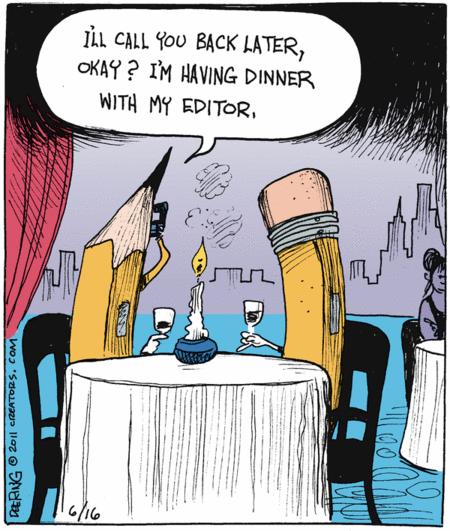 Although the idea of getting someone else to read through your work with a critical eye may be terrifying, it is one of the best ways to become a better writer. Ideally you want someone who is distant enough from your content that they absorb the force of the argument for the first time. Yet also someone who is close enough to the content to not be plunged in the deep end of your laboured work. In addition try to pick someone who you don’t interact with in that frame as often. That way they are not used to the foibles of your writing style, and can highlight them for you. Once you have an editor or reader, take on their advice. It is of little use if all of the red ink is never read or absorbed.
Bonus: Read widely.
The broader your reading base is the more you will see other styles in action. Keeping across multiple styles and fields helps with not being anchored in any specific style. In addition reading books on writing, such as William Zinsser’s On Writing Well will help identify your style issues.
That is my top five (plus one) tips for writing well, or at least improving stylistically. Does it sound a bit hypocritical? Well really I am also preaching to myself here, as I tend to fall short in each of these areas regularly.
What is it that you fall short in? What tips would you give in improving style? Comment below. I look forward to reading them.


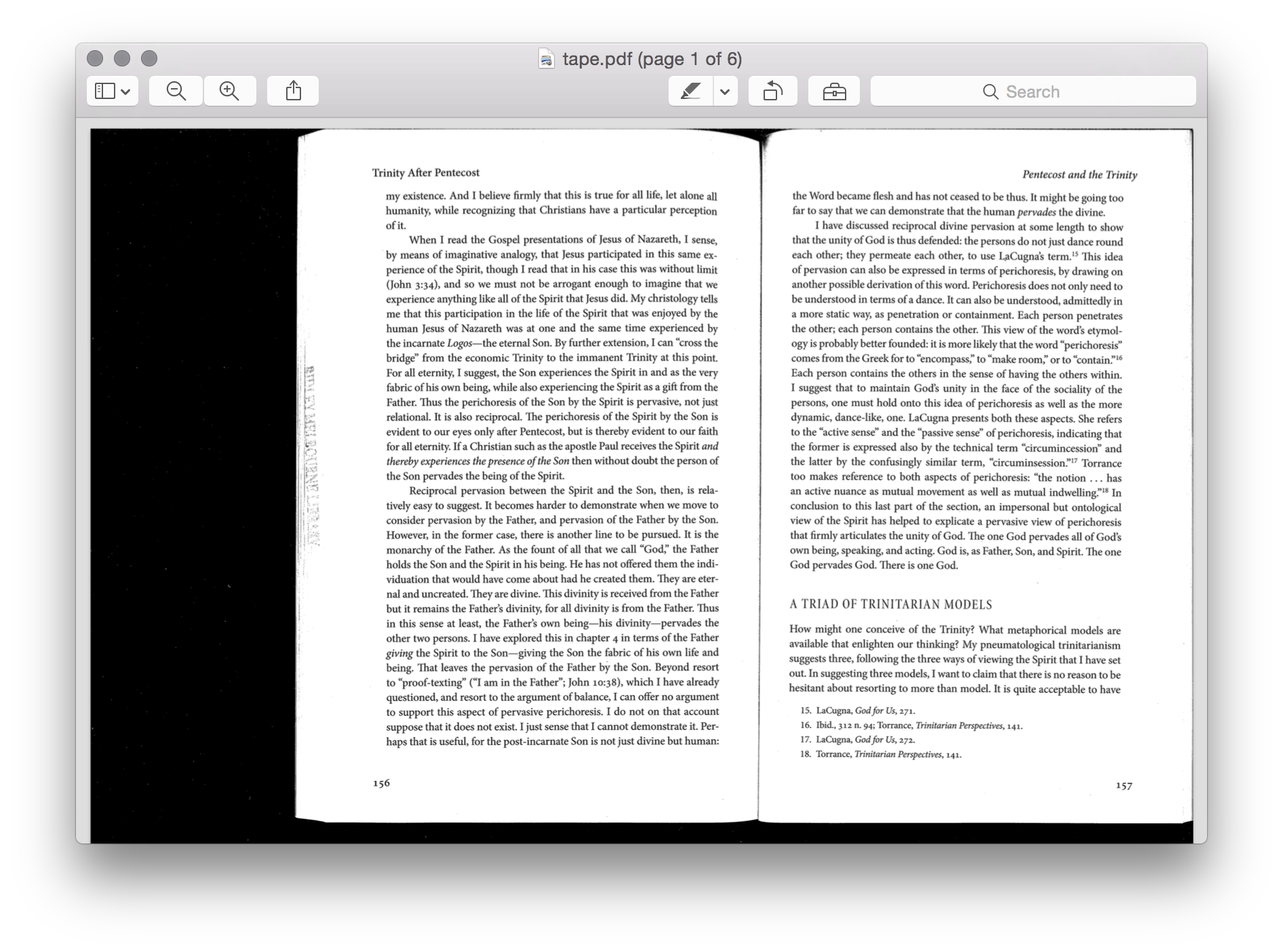





 One of the best ways to get those writing juices flowing is to write regularly. I know quite a few people who simply set aside a couple of hours a day in their schedule to write. In that writing time they simply write on whatever is currently on the agenda. It could be for a paper, or project, or a conference; so long as it is writing. The dedicated time set aside helps to get a little bit done every day. However, for me this isn’t optimal, as some days with the little man I barely get a chance to write at all. For me I instead aim to write a certain amount per day, a task focused goal rather than time focused. While I don’t dedicate time, I do set myself a task every day to be written. This type of regularity works better with my schedule, and my thought processes. But whichever one you do it gets you writing regularly, and set it as a goal. As Bandura showed, short term goal setting increases the motivation for the task.[ref]Bandura, Albert. Self-Efficacy: The Exercise of Control. New York: Freeman, 1997.[/ref]


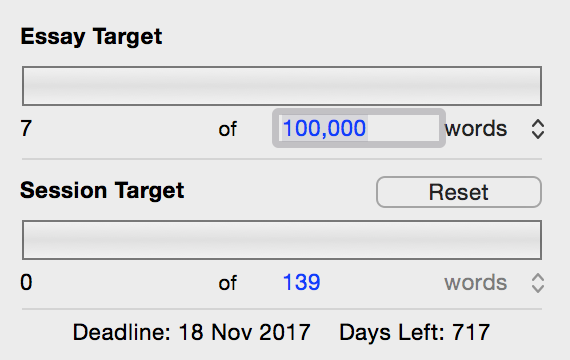
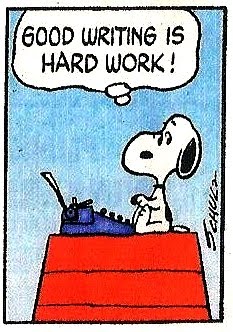 Ultimately though, as even William Zinsser admits ‘Writing is hard work.’ But if we write regularly, then the process comes a bit more easily, and rather than focusing on the writing task we can focus on writing style, which is arguably even more important. After all how can one edit and refine their work if there is no work there to edit in the first place. So focus first on getting words out on the screen or page and then perfecting them. Undoubtedly they wont come out exactly right the first time, or the second, or even perhaps the third, but get something out so you can work with it. In the vein of Confucious or Yoda, ‘to write a lot, you first have to write.’ Next week we will take a look at the second aspect of writing: style.







 Things